GSAP Cursor Effects
Custom cursor animations that respond to mouse position, movement speed, and hover targets. Magnetic attraction, particle trails, and visual feedback patterns that make interfaces feel alive.
Unlock everything for £39
All 89 premium effects and templates, plus every future effect and template we release. That's £0.43 per item.
Buy individually now: up to £10 comes off the Vault later
Creating Custom Cursor Effects with GSAP
Custom cursors replace the default pointer with animated elements that respond to user interaction. A magnetic button pulls toward the cursor as it approaches. A trail of particles follows mouse movement. A confetti burst celebrates a click. These micro-interactions create a sense of craftsmanship.
GSAP handles cursor effects efficiently through its ticker and interpolation methods. Instead of updating positions on every mousemove event (which fires at high frequency), GSAP smoothly interpolates between positions using gsap.quickTo() or manual lerping, resulting in fluid 60fps motion.
Cursor effects are desktop-focused by design. Touch devices have no persistent cursor, so these effects detect pointer type and gracefully degrade on mobile. The content and functionality remain identical; only the visual enhancement is removed.
Performance matters for cursor effects since they run continuously. These implementations use transform-only animations, avoid layout thrashing, and clean up properly when navigating away. They also respect reduced-motion preferences by disabling cursor animations entirely.
How to build a custom cursor with GSAP
Move a cursor element with gsap.quickTo, which reuses one tween per property for pointer-rate updates. The small easing gap between pointer and element creates the trailing feel.
- 01
Add a cursor element
Place a fixed-position element and hide the native cursor with CSS on the elements it should replace.
- 02
Create quickTo setters
Build a gsap.quickTo for x and y with a short duration so each pointer move retargets the same tween cheaply.
- 03
Follow the pointer
On pointermove, feed the event coordinates into the setters. The easing lag is what makes it glide.
import gsap from "gsap";

const cursor = document.querySelector(".cursor");
const xTo = gsap.quickTo(cursor, "x", { duration: 0.4, ease: "power3" });
const yTo = gsap.quickTo(cursor, "y", { duration: 0.4, ease: "power3" });

window.addEventListener("pointermove", (e) => {
  xTo(e.clientX);
  yTo(e.clientY);
});
Cursor Interactions at a glance
| Effect | What it does | Built with | Difficulty |
|---|---|---|---|
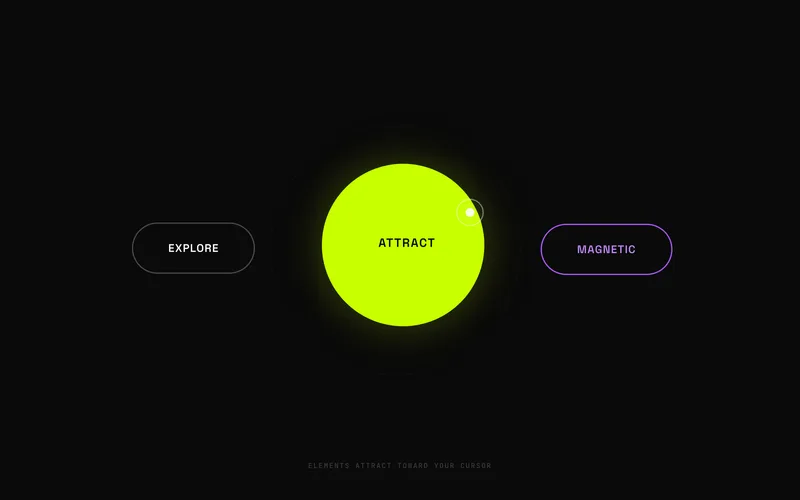
| Magnetic Cursor Effect | Elements attract or repel from the cursor with elastic physics. | cursor-effects | intermediate |
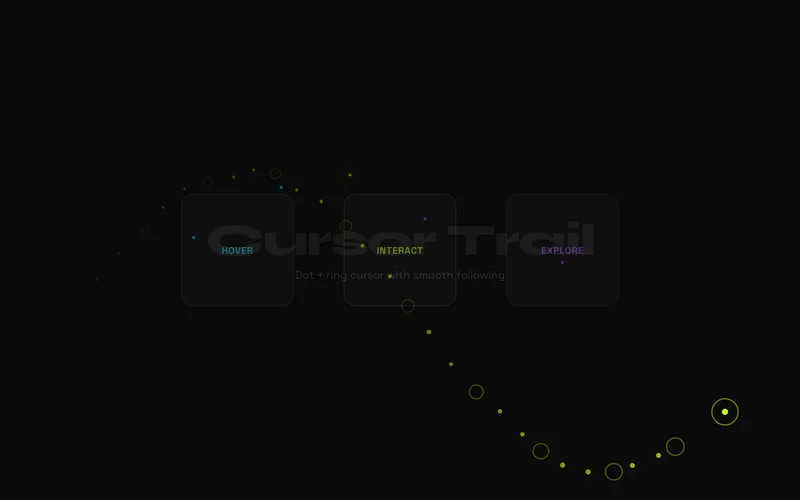
| Cursor Trail Effect | A portable editorial cursor with dot-and-ring lag, velocity afterimages, elastic target labels, color morphs, and touch previews. | cursor-effects | intermediate |
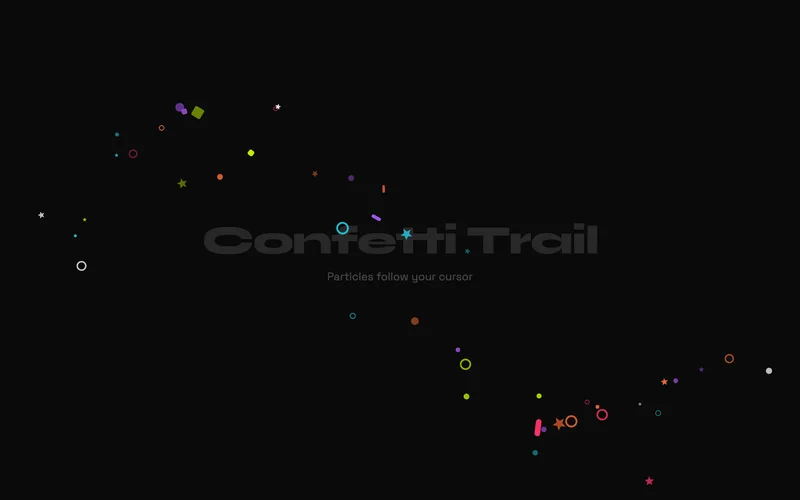
| Cursor Confetti Trail | A responsive GSAP confetti trail that turns fast pointer sweeps and touch drags into colourful, directional ribbons of tumbling geometric particles. | pointer-effects | intermediate |
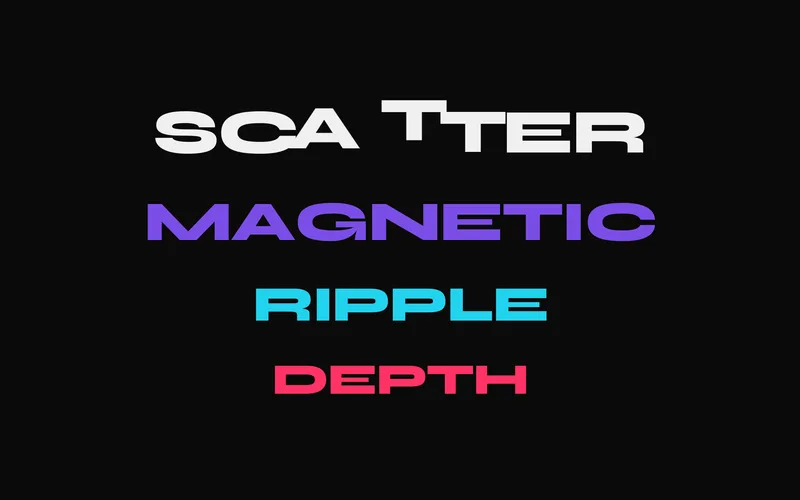
| Text Hover Distortion | Characters react to cursor proximity with push, pull, wave, or rotation effects. | text-animation | advanced |
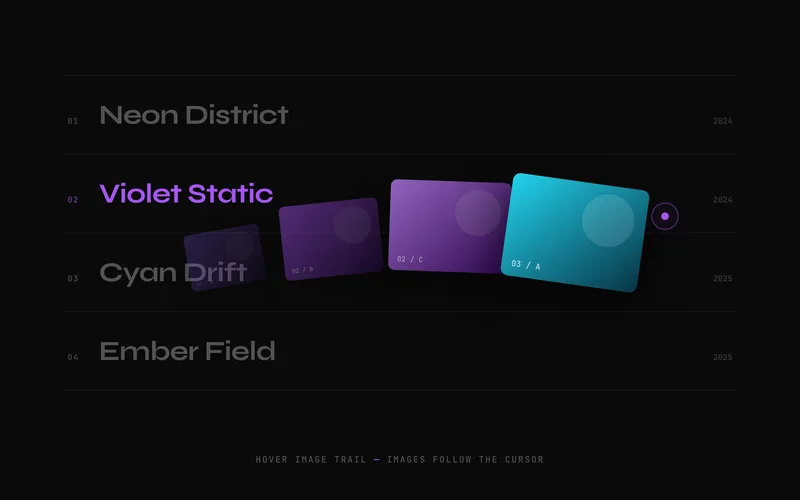
| Hover Image Trail | Velocity-aware editorial image trail with layered card drift, directional tilt, staggered decay, and static touch previews. | cursor-effects | intermediate |
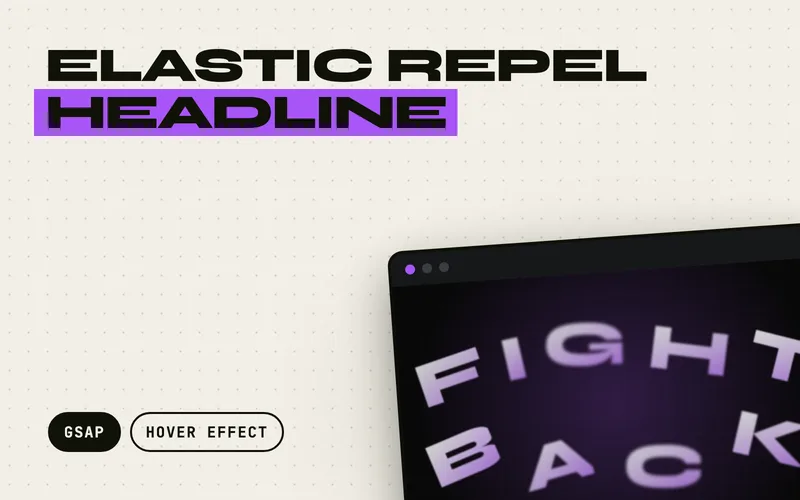
| Elastic Repel Headline | A cursor-repulsion display headline whose letters flee the pointer, scaled by cursor speed, then spring back home with an elastic overshoot, motion blur, and a scale dip. | hover-effect | advanced |
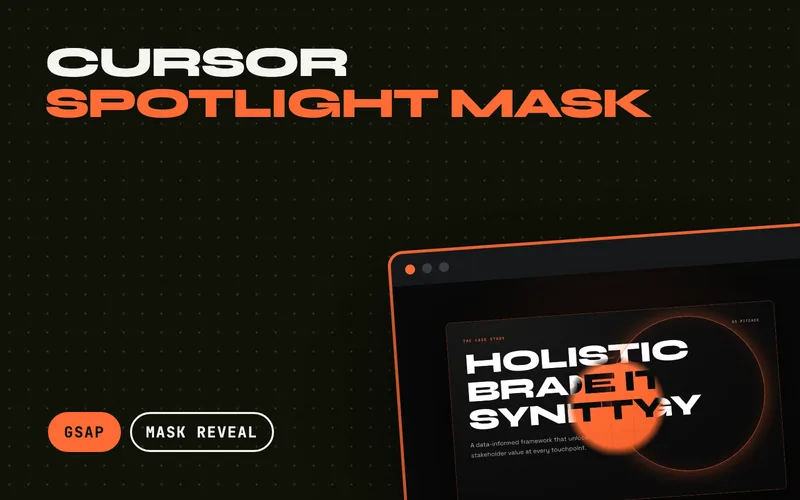
| Cursor Spotlight Mask | A soft aperture follows the cursor and reveals a completely different layer hidden under the visible one, stretching into a lens streak on the axis of movement and springing back with an elastic settle. | mask-reveal | advanced |
Frequently Asked Questions
Do custom cursor effects work on mobile?
Custom cursor effects are desktop-only since touch devices do not have a persistent cursor. These effects detect the pointer type and automatically disable on touch devices, keeping the page fully functional without the cursor enhancement.
Will cursor effects slow down my website?
Not if implemented correctly. These effects use GSAP's optimized ticker for rendering, animate only transform properties, and avoid layout recalculations. They run at 60fps on modern hardware without affecting page performance.
Can I combine a custom cursor with magnetic buttons?
Yes. The magnetic cursor effect includes both the custom cursor and magnetic hover behavior. You can also combine the cursor trail with magnetic buttons by layering the effects, since they operate on separate DOM elements.
How do I customize the cursor appearance?
Each cursor effect uses standard HTML and CSS for the cursor element. You can change size, color, shape, blend mode, and opacity through CSS custom properties documented in each effect. The GSAP animation handles the motion; the CSS handles the look.